How to buy, from first look to delivery.
The engines stay in Japan. You look, you bid and you win, from your own phone. Payment and shipping go through your parent buyer. The record stays with the engine, so you can show it when you sell it on.
To register, open the invitation link your parent buyer sent you.
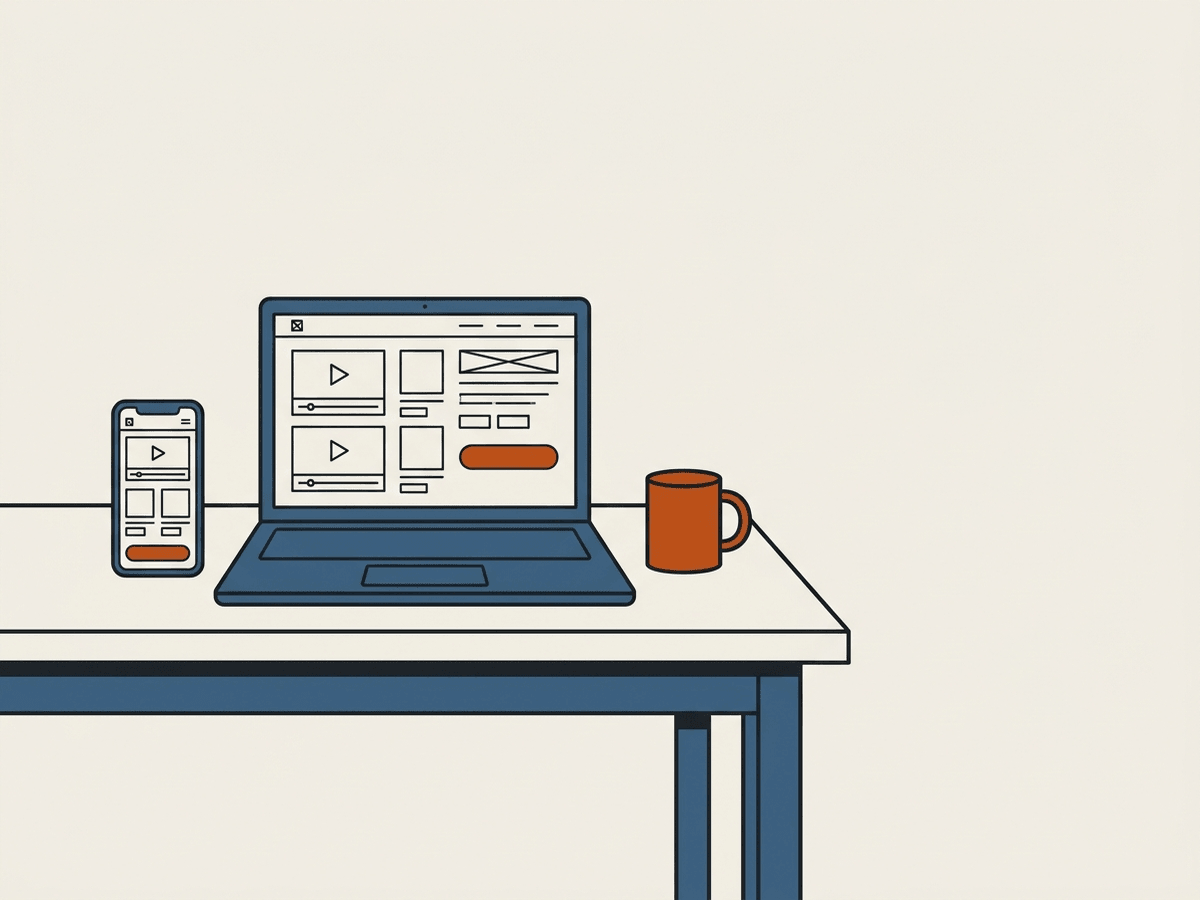
Watch first (about 1 minute each)
Your buying limit and ranks
You can bid only up to your buying limit. The more you pay on time, the higher it goes.
| Rank | Engines at once (guide) | How to reach it |
|---|---|---|
| Bronze | 3 | Everyone starts here |
| Silver | 10 | 5 engines paid on time, none late |
| Gold | 20 | 15 engines paid on time, none late |
A deposit opens your limit
You place a deposit with your parent buyer, not on this site. Once your parent buyer confirms it, your limit appears on “My page”.
What the limit counts
What you would pay for engines you have won but not paid for yet, plus for the lots where you are the top bidder now: the price plus fees, shipping and import tax.
Over the limit? The bid is refused
“My page” always shows how much of your limit is left.
Pay on time, your limit comes back
You pay after your engine is loaded, by the due date shown on “My page”. When your parent buyer marks the payment received, that amount is free again.
If you pay late
The amount is taken from your deposit, your bidding pauses, and your rank drops one step.
Your record builds your name
Every payment is kept in a record that cannot be rewritten (SHA-256). Paying on time is how you move up.
The number of engines is a guide. Your real limit also depends on your deposit and on your parent buyer. Check your rank and limit on “My page”.
What this is
This is an online auction of used engines that are kept in Japan.
You bid yourself, from your own phone, against other buyers.
You pay your parent buyer, and your parent buyer brings what you win to your port.
Some lots are auctioned while in transit: the yard loads them into a container first, and we auction them while the ship is on its way. They are delivered after the ship arrives, and we cannot promise an arrival date. These lots show "In transit", the container number and the shipping date (the loading date before the ship leaves).
The whole thing at a glance
Eight stages, in order, from the invitation to the day you sell the engine on. The coloured stages are the ones you do yourself.
- Invitation and registrationA link reaches you from your parent buyer. You fill in your details and choose the language you read in.Parent buyerYou
- Your parent buyer approves youYour details are checked by your parent buyer. Until you are approved you cannot bid.Parent buyer
- Lots go up, and you lookEngines are inspected in Japan and put up as lots. You open the auction and read them.Japan sideYou
- You bidYou bid yourself, in fixed steps, against the other buyers.You
- The lot closesAt the closing time the highest bid wins. A bid placed at the last moment pushes that time back.YouThe auction
- Statement, and paymentA statement in your parent buyer’s name lists what you owe, and you pay your parent buyer.Parent buyerYou
- Loaded in your parent buyer’s containerWhat you won is loaded in Japan into the container of your parent buyer, who also books the ship.Japan sideParent buyer
- It arrives, and you sell it onYou receive the engine. The QR on it still opens the record, so you can show it to your own buyer.You
A coloured stage is a stage where you act.
The record travels with the engine, and you are the one who shows it
Every engine carries a QR tag. Behind it is the engine passport: the record made in Japan before the engine was taken out of the car. The start-up video, the stamp checked twice, the inspection, the grade, the damage map.
You are the one who shows it
When you sell this engine on, in your own city or in another country, your buyer opens the same page and reads the same record.
No amounts appear
The passport carries condition and history only. What you paid, and who you bought from, never appear on it.
No login needed
As long as the QR tag is on the engine, any phone opens the page, in eight languages.
The fingerprint is on record
The video fingerprint (SHA-256) is recorded at upload, and any conversion of the video is logged as well. Your buyer can compare what they see with what was recorded.
You are not only buying an engine. You are buying a record you can hand to the next buyer.
How to join
- Open the invitation linkA link comes to you from your parent buyer. Open it on your phone.
- RegisterFill in your company, your name and your phone number. Choose the language you want to read in.
- Wait to be approvedFirst your parent buyer checks your details and approves you. You cannot bid before that.
- Log inOnce you are approved, log in and the auction opens.
How to read a lot
A lot is one engine offered for sale. Every lot page shows the same seven things. Look at all of them before you bid.
Start-up video
Filmed in the car before the engine was taken out. Listen to it run.
Stamp match
The number on the engine is photographed twice: when it is registered and again when it reaches the yard. A tick means the two photos show the same number.
Grade on six checks
Mileage, starting, video, rust, sludge, crank. Read all six lines, not only the grade word.
Missing parts
A list of the parts still attached to the engine. Check that the part you need is one of them.
Damage map
Every scratch and crack is marked on a drawing. Tap a mark to open its photo.
Passport QR
The passport is the public page that holds the whole record of this engine. Scan the QR to open it. It still opens after the engine reaches you.
Ask button
Ask a question or ask for another photo from the lot page. Ask before the lot closes.
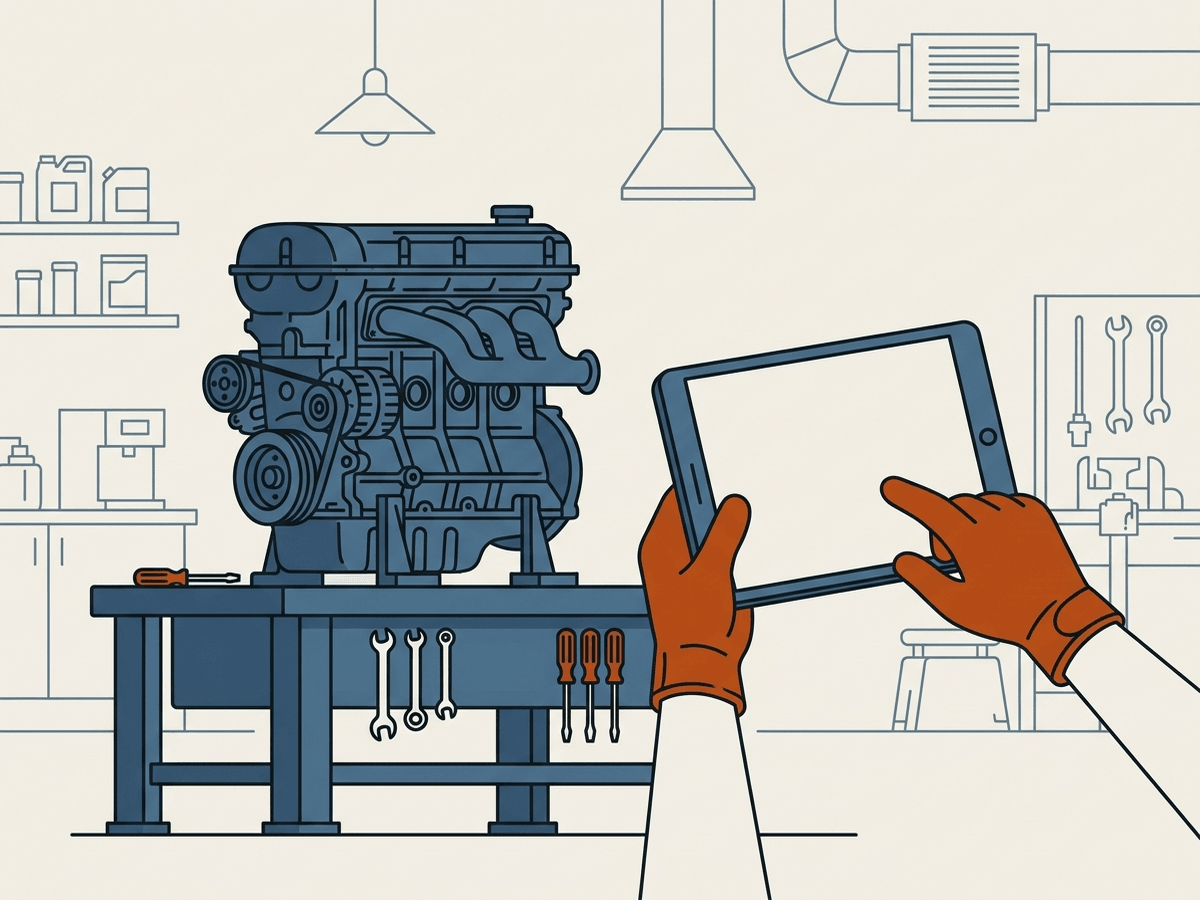
How to bid
The next minimum
The page shows the lowest amount you can bid right now. Anything below it is refused.
Fixed steps
Bids move in fixed steps. Use − and + to move one step at a time.
Closing time, and the extension
Every lot has a closing time. A bid placed in the last minutes pushes the closing time back, so the last bid can always be answered.
The limit your parent buyer sets
How much you may hold on live bids at one time is set by your parent buyer. Over that, your bid is refused and the screen tells you how much is left.
A bid cannot be cancelled
Once placed, a bid stands. If nobody outbids you, the lot is yours.
When you win
A statement in your parent buyer’s name
A statement is the list of what you owe. It is issued by your parent buyer, not by the auction.
You pay your parent buyer
Payment goes to your parent buyer, who writes the payment details on your page.
Currency as a guide
Your amounts can also be shown in your parent buyer’s currency as a guide. The rate used for that guide is set by your parent buyer.
How it reaches you
Loaded at the yard
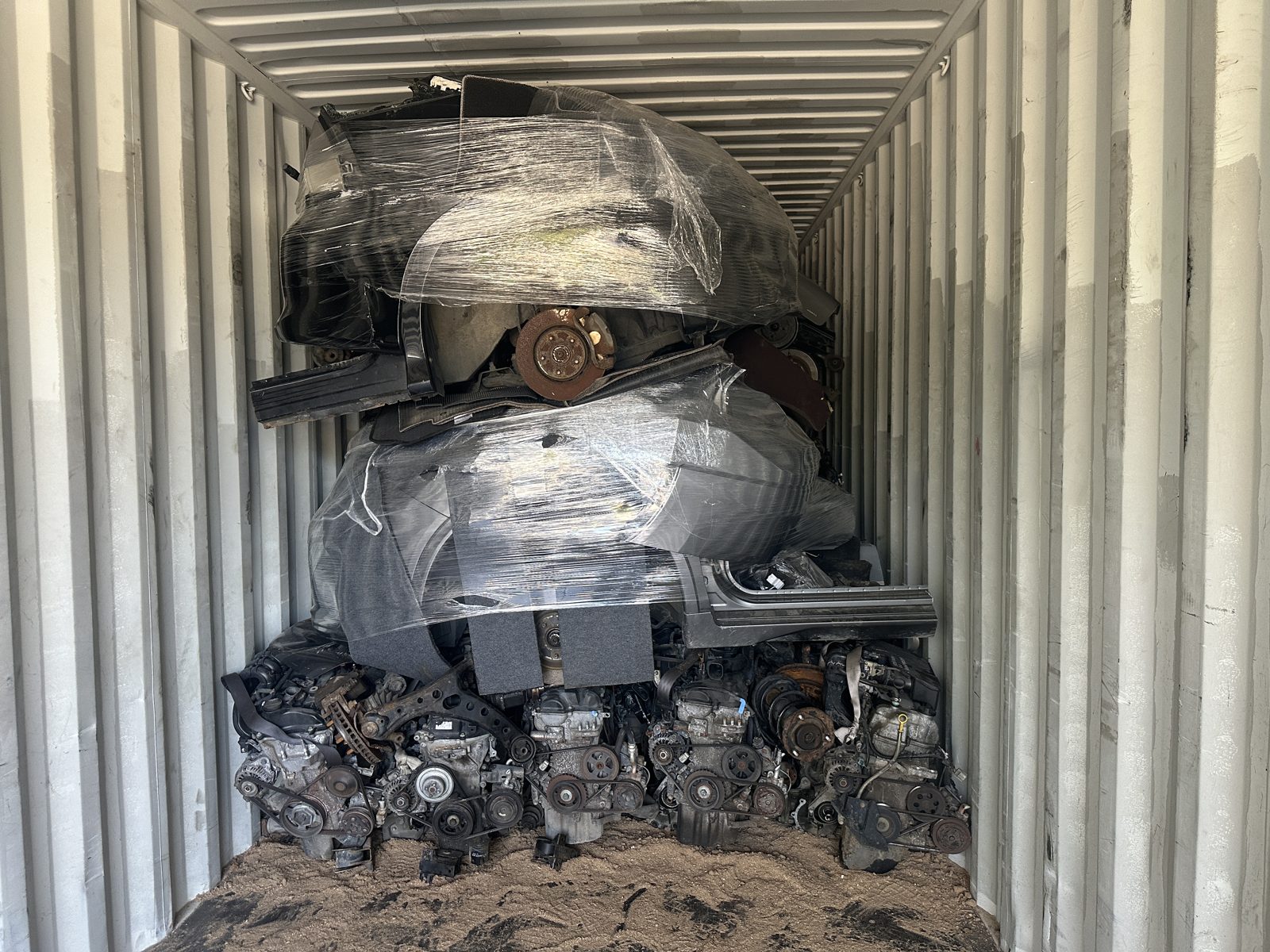
What you win is loaded into your parent buyer’s container at the yard in Japan. A container is the steel box that goes on the ship.
The ship is your parent buyer’s
The ship is booked by your parent buyer, who also handles the import at your end.
Arrival is a guide
Any arrival time you are given is a guide, not a promise. Ports and weather move it.
What it looks like on screen
Seven screens, in the order you meet them. Each one says where it opens and what to do on it.
The registration screen
Opens when you tap the invitation link.
- Check that your parent buyer is named at the top of the screen. That is how you know the invitation is live.
- Enter your email address and choose a password.
- Enter your company, your own name and your phone number.
- Choose the language you want to read in, and enter your country.
- Tap the register button. A confirmation email is sent to you.
You are never asked to choose a role. The invitation already places you under your parent buyer.
The waiting screen
Opens by itself after you register, and each time you log in before you are approved.
- Read the panel: your company, your contact name, your role and your status.
- Tap the refresh button to see whether you have been approved yet.
- Tap the guide button to read this page while you wait.
- Once your parent buyer approves you, logging in opens the auction instead.
If the status says suspended rather than waiting, ask your parent buyer.
The auction hall
The first screen after you log in.
- The band at the top tells you when the next lot closes.
- Narrow by maker in the first box, or type a model, an engine model or a lot number in the search box.
- Narrow by grade in the last box. The figure beside it is how many lots are left after your filters.
- Each card shows the photo, a video mark, a stamp-match mark, the grade, the amount now and the time left. Tap the card to open the lot.
Lots are listed with the one closing soonest at the top.
The lot screen
Opens when you tap a card. Read it from the top down, in this order.
- Play the start-up video and listen to the engine run.
- Look for the tick that says the stamped number matched.
- Read the six grade lines, and the missing-parts line under them.
- Open the damage map and tap each mark to see its photo.
- Open the passport for the whole record, and use the question panel at the bottom if anything is unclear.
- Only then go to the bid box: it shows the next minimum, the step and the time left.
Ask your questions well before the clock runs out. Once a lot has closed, ask your parent buyer instead.
Your page
Under “My page” in the menu.
- The first panels are about your parent buyer: company, currency, and the payment details written there for you.
- Next come your live bids, with the ones you have been outbid on marked out.
- Under them are the lots you have won, and the containers that carry them.
- Change the language you read in from the switch in the header, at any time.
Your buying limit and deposit are on this page too. You place the deposit with your parent buyer; it shows here once your parent buyer confirms it.
The statement
The statement button on your page.
- Set the period you want and the rows are rebuilt for it.
- Each row is one lot you won, with what makes up the amount.
- A row that your parent buyer has already received is marked as paid.
- Use the print button for a copy on paper or as a file.
The statement is issued in your parent buyer’s name. Where to pay is written on your page.
The containers
The container link on your page.
- Only containers that carry a lot of yours are listed.
- Each one shows its state: booked, loading, loaded, shipped.
- The table lists your own lots inside it, with weight and status.
- Loading photos are listed underneath. Tap one to open it.
The container belongs to your parent buyer, so not everything inside it is yours.
If something is wrong
The engine is not what the record shows
Tell your parent buyer first, and they take it up for you.
The record is always there
Scan the QR on the engine, or open the passport page. It opens in your language.
A question about a lot
Use the ask button on the lot page. Once a lot has closed, ask your parent buyer.

Questions
Do I have to place a deposit?
Yes. You place it with your parent buyer, not on this site. Your deposit decides how much you can have unpaid and in bidding at once. Pay on time and your limit grows.
Can I bid without an invitation?
No. You bid under the parent buyer who invited you.
My account is still waiting. Why?
New accounts are approved by your parent buyer. If it takes long, ask your parent buyer.
Can I cancel a bid?
No. A bid cannot be taken back, so read the lot carefully first.
What happens if someone outbids me?
Nothing. You owe nothing, and you can bid again while the lot is open.
Can I still see the record after the engine arrives?
Yes. The QR on the engine opens the same page, in your language.
Who do I pay?
Always your parent buyer. The auction does not bill you.
Which languages can I read this in?
This guide is in eight languages. Ask your parent buyer in your own language.
Can I show this record to my own buyer?
Yes. The page behind the QR is there for your buyer. Amounts and the seller are not on it.